Ridgeview Golf Course scorecard
Ridgeview Golf Course scorecard
View the published hole-by-hole scorecard, with par, tee yardages and handicap indexes where available.
Front nine
| Hole | 1 | 2 | 3 | 4 | 5 | 6 | 7 | 8 | 9 | Out |
|---|---|---|---|---|---|---|---|---|---|---|
| Par | 4 | 4 | 3 | 4 | 4 | 4 | 3 | 4 | 5 | 35 |
| Handicap | 6 | 2 | 18 | 8 | 16 | 12 | 10 | 4 | 14 | — |
Back nine
| Hole | 10 | 11 | 12 | 13 | 14 | 15 | 16 | 17 | 18 | In | Total |
|---|---|---|---|---|---|---|---|---|---|---|---|
| Par | 3 | 4 | 4 | 4 | 3 | 5 | 4 | 4 | 5 | 36 | 71 |
| Handicap | 15 | 5 | 17 | 1 | 11 | 13 | 3 | 9 | 7 | — | — |
All distances in yards. Par and handicap reflect the available course data. A dash means we don’t have that value yet.
 Save or print this scorecardOpen full-size image · All tees
About Ridgeview Golf Course
Ridgeview Golf Course is a 18-hole, par-71 golf course in Belding, MI. The layout has 4 par 3s, 11 par 4s, and 3 par 5s.
Course information
- Location
- Belding, MIGet directions
Questions about Ridgeview Golf Course
Plan your round, from the first tee to the last green.
How many holes and what par is Ridgeview Golf Course?
Ridgeview Golf Course is listed as a 18-hole course. The published scorecard totals par 71.
Where can I find the Ridgeview Golf Course scorecard?
The Ridgeview Golf Course scorecard shows the published hole-by-hole details, with par, tee yardages and handicap indexes where available. You can save or print the scorecard image.
Take it to
the first tee.
Ariad is golf GPS, shot tracking and 3D round replays for iPhone and Apple Watch, on the same course maps as this page.
Join the waitlist for launch updates. Screens from Ariad on iPhone and Apple Watch.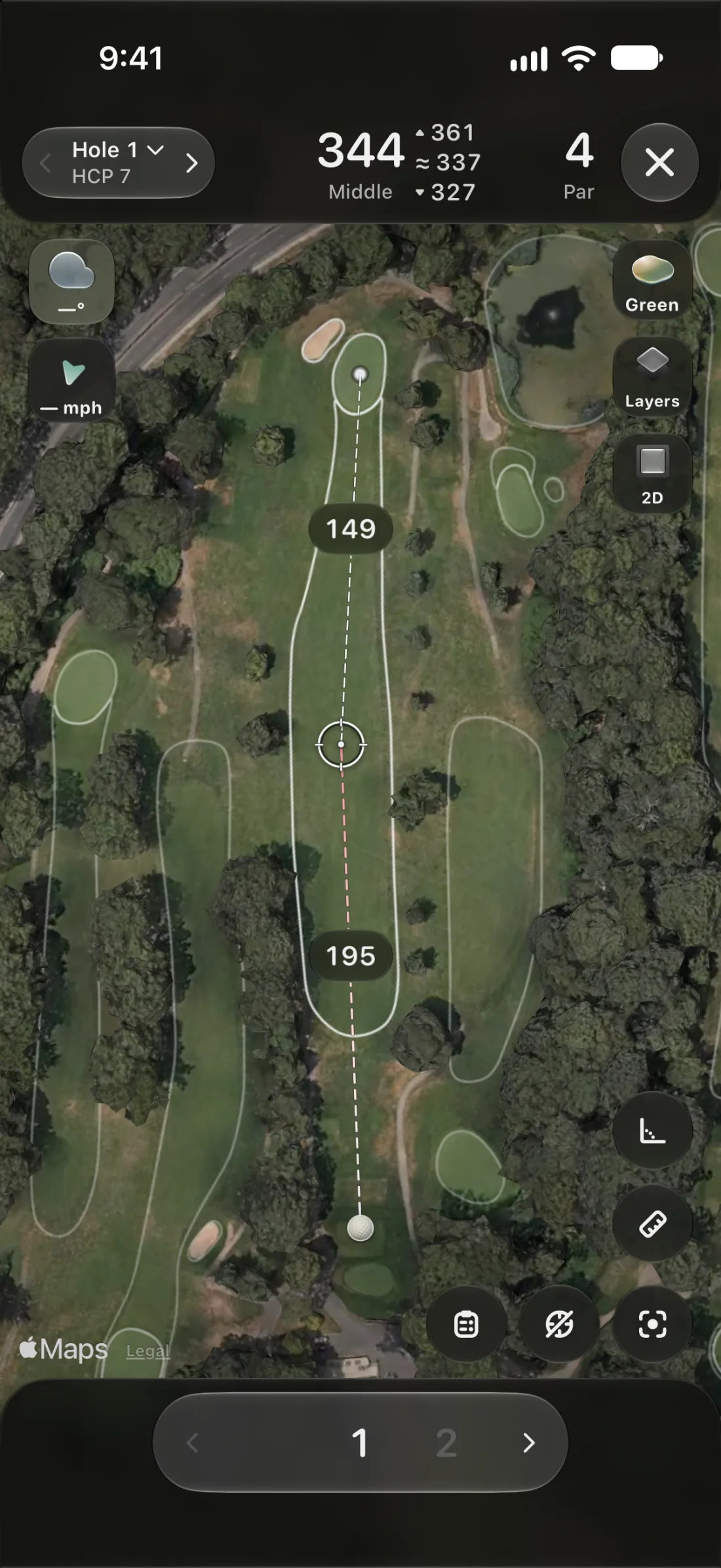 GPS
GPSEvery yardage, live.
Front, middle and back of the green, and the distance to any spot you tap, on a satellite map of the hole you’re playing.
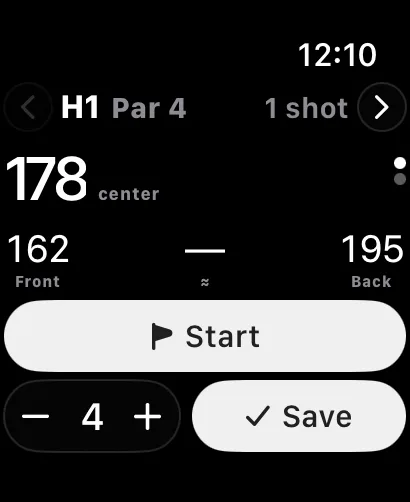 SHOT TRACKING
Mark it and walk on.
Tap where the ball finished and Ariad measures the shot. On Apple Watch it notices your swings, so the round keeps itself.
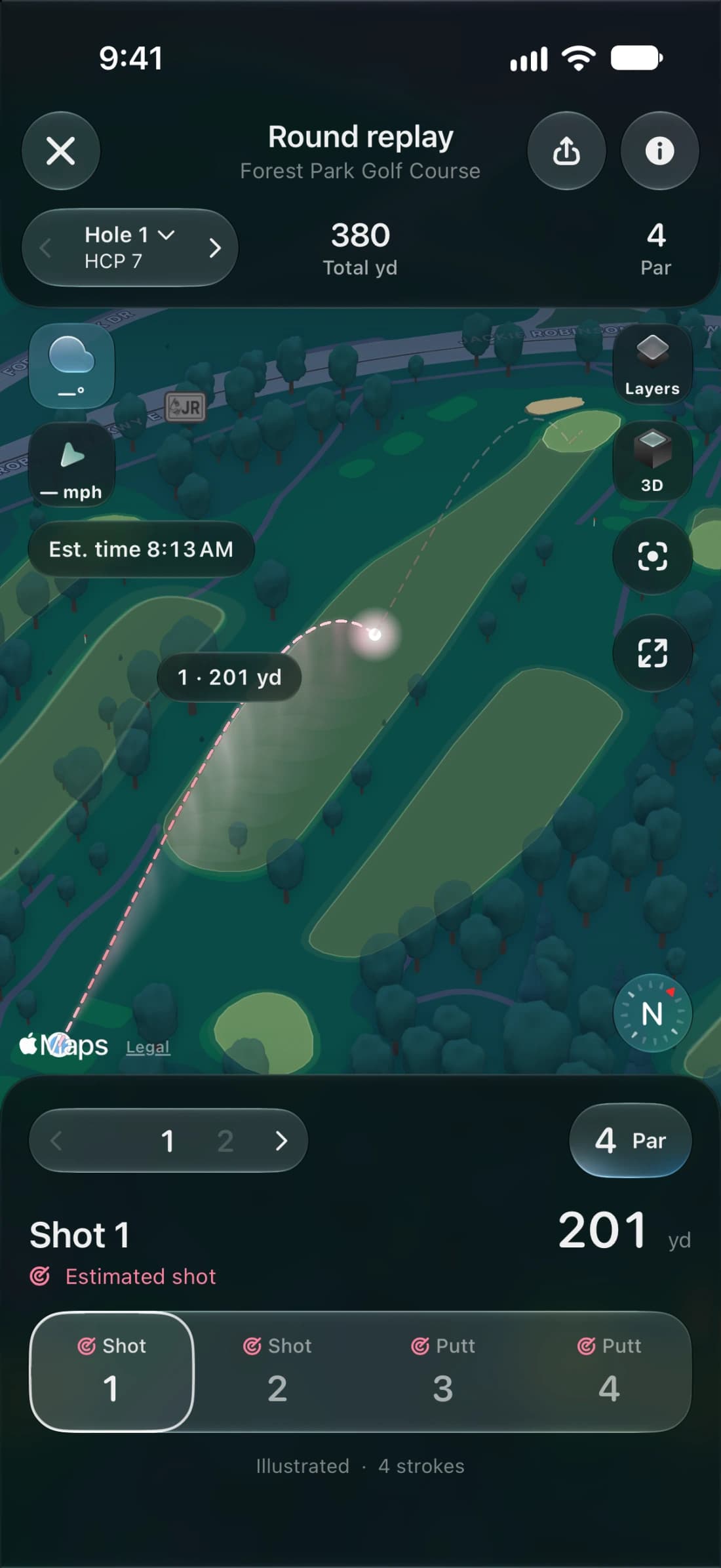 3D REPLAYS
Fly the round back.
After the last putt, every hole comes back in 3D on real terrain, with each shot’s arc from the tee to the cup.
 18 holes
IRON HORSE GC AT DOUBLE R RANCH
Scorecard & map 18 holes
Candlestone
Scorecard & mapArrowhead Golf Club
Course details 18 holes
Glenkerry Golf Course
Scorecard & map 9 holes
Hickory Hills Golf Course
Scorecard & map 9 holes
Shadow Ridge Golf Club
Scorecard & map 18 holes
The Links at Bowen Lake
Scorecard & mapEGYPT VALLEY CC - CLASSIC COURSE
Course details 18 holes